AI Integration Cost in 2026: How Much Does It Cost to Add AI Features to a B2B Website?
Share this blog:

60-second Summary
It's not just which AI model you pick, GPT, Claude, or Gemini. The systems it has to talk to are what actually break your budget.
Get that wrong, and a $15,000 project quietly turns into $180,000.
Here's how to actually estimate what your AI integration will cost, before you walk into that budget meeting.
AI integration is the process of connecting an AI model to your existing website, software or business systems so it can access real data and perform tasks rather than working as a standalone tool.
Let's say an online retailer wants an AI chatbot that tells a customer whether an item is in stock and when it will ship. That means connecting AI to the inventory system and order management system.
At the end, your CRM knows who the customer is. Your ERP knows what's in stock and what's on order. Your internet databases hold everything else.
The AI itself might take a day to set up. Getting it to talk to those systems is the actual project.
Most integration projects go somewhere between $5,000 and $150,000, and where you fall depends entirely on the complexity, not on which specific feature you're adding.
Pricing here is based on internal benchmarks from enterprise AI implementations we've delivered at BigOhTech.
Integration Level | Estimated Cost | Typical Use Cases |
Basic | $5,000- $20,000 | FAQ chatbot, AI content generation, basic API integration |
Moderate | $20,000 - $60,000 | AI search, lead qualification, RAG chatbot, document processing |
Advanced | $60,000 - $120,000 | AI agents, predictive analytics, multi-system automation |
Enterprise Ecosystem | $150,000+ | Custom AI platform, multiple models, governance across organizations |
A basic integration involves integrating a pretrained model on your site, and thus it requires a small investment. Moderate integrations start pulling from your own data and connecting to a system or two.
Advanced integrations mean AI is making decisions and touching multiple systems on its own. And enterprise ecosystems are less a single feature and more an organization-wide AI capability with its own governance and infrastructure.

Here's a snapshot of what the development cost will look like when you integrate AI features on your website -
AI Feature | Estimated Cost |
AI chatbot | $8000 - $40,000 |
GPT website assistant | $10,000 - $50,000 |
AI search | $15,000 - $60,000 |
OCR | $10,000 - $45,000 |
Recommendation engine | $20,000 - $80,000 |
AI document processing | $18,000 - $70,000 |
Voice AI | $25,000 - $90,000 |
AI automation | $15,000 - $75,000 |
RAG assistant | $20,000 - $85,000 |
Agentic AI workflow | $40,000 - $180,000 |
Here are a few factors that help businesses plan their development budget towards integration costs -
A rule-based FAQ chatbot that returns prewritten answers takes a few days to build. An AI agent that reads a contract, flags risk clauses using Natural language processing and routes it to the legal team requires different data pipelines and customization.
Complexity scales with how much reasoning and judgement AI has to do, not just flashy features that sound good in a pitch deck.
2. Existing Website Architecture
If you're running a legacy CMS, expect more custom work to get the AI talking to your end. A headless CMS or custom application gives developers cleaner access points.
If your website uses microservice architecture, connecting to individual services is simpler, but coordinating them all can be more complex.
3. Number of Integrations Required
Every system you connect (CRM, ERP, payment gateway, Salesforce, etc.) adds its own authentication, its own data format, and its own edge cases.
Three integrations are a different project than one, and eight integrations require a completely different budget.
4. Data Readiness
Bad data makes AI expensive. If your data needs cleaning, formatting, labelling, or reduplication before a model can use it, that work happens before the AI part can even start, and it often takes longer than the AI part.
5. Model Choice
GPT, Claude, Gemini, open-source models, and self-hosted models come with different cost structures and different trade-offs around cost and compliance control.
A self-hosted model costs more upfront but gives you more control over data residency, which matters a lot if you're in a regulated industry.
6. Custom Development vs Off-the-Shelf APIs
Calling the OpenAI API sits at one end, a custom RAG setup sits above it, and a fully custom model sits above that, and a multi-agent system sits at the top.
Each setup buys you more control and capability, and costs meaningfully more to build and maintain.
7. Security and Compliance
If you're touching customers' data, expect requirements around GDPR, HIPAA, SOC 2, role-based access control, audit logging and encryption.
This work is often invisible in the demo but essential the moment you go to production, especially in regulated industries. It adds engineering effort, but skipping it isn't really an option if you're serious about scale.
8. Maintenance and Monitoring
AI isn't a one-time build. Prompt tuning, API changes, model updates, analytics, retraining, and ongoing monitoring are all recurring costs.
Project Stage | Share of Budget |
Discovery and Readiness assessment | 5-10% |
Data preparation | 15-30% |
Model selection and configuration | 10-20% |
Backend integration | 15-25% |
Frontend development | 10-15% |
Testing and security | 10-20% |
Deployment and monitoring | 5-15% |
Once you know what feature you want, most B2B companies land on any of the 3 integration approaches -
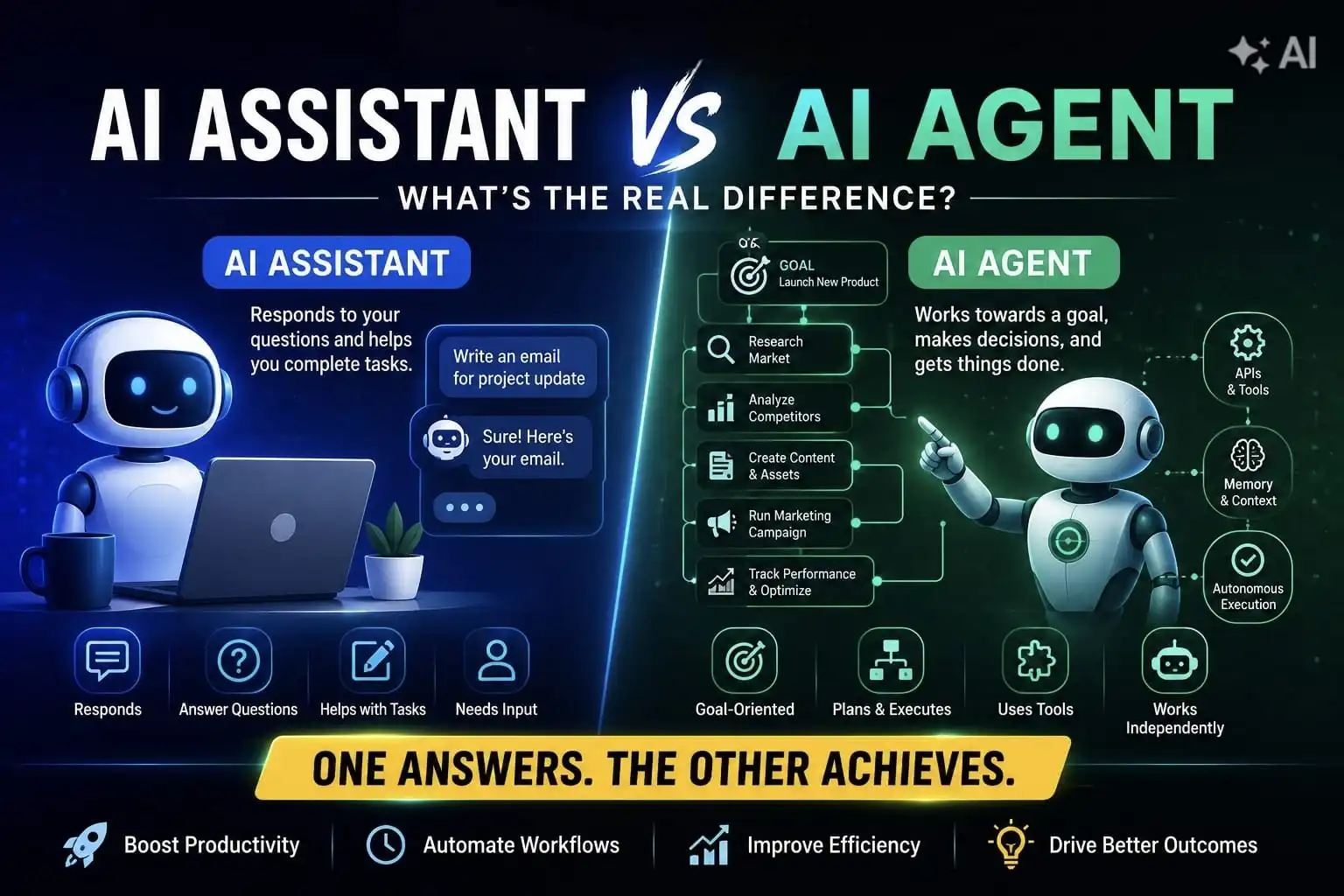
You're connecting your website to a model that already exists, such as GPT or Claude, rather than building anything from scratch. This covers most chatbots, text generation, summarization, translation and basic classification work.
Expect $5000 to $30,000 for the initial integration. The trade-off is that you're leaning on a third party, paying ongoing usage fees and working within whatever customization the API allows.
It goes a step further and connects AI to your own business data, so it answers from your product manuals, support articles and case studies instead of general knowledge alone.
Costs run $20,000 to $60,000 or more, scaling with how much data you're feeding it and how tight the access controls need to be.
These are proprietary machine learning models that perform multi-step agent workflows and have business logic that doesn't exist anywhere off the shelf.
It's the right move when your data is genuinely proprietary, or the AI capability itself is meant to be a competitive advantage, not just table stakes.
Costs start around $60,000 and climb past $200,000 depending on the complexity.
If your use case is common (support chatbot, search bar, document summarizer), a pretrained API is usually the right call. RAG earns its cost when generic answers won't cut it.
Custom development is worth it when the workflow is genuinely unique to your business.
McKinsey estimates that using lower precision, such as moving from FP16 to INT4, and removing unused weights can reduce the cost per token by 85–95%.
This is one of the biggest cost-saving opportunities teams often overlook, but a few other practices can help too.
Once the budget conversation is settled, the real work starts. Here's the step-by-step process of how AI implementation looks like –
1. Pick a Repetitive Use Case That Is Data-Driven and Easy to Measure
If customers keep asking the same handful of questions, a chatbot is an obvious first move. If your sales team is drowning in unqualified leads, AI-based lead scoring delivers more value than a flashy chatbot would.
2.Take a Look at Your Existing Website and Tech Stack
Well-documented APIs and a modular architecture make integration faster and cheaper. A legacy platform with hard-coded business logic usually means building a middleware layer first, and that layer is its own line item in the budget.
3. Check Whether your Data is Ready
Figure out what data the AI needs, where it currently lives, how accurate it is and who is allowed to see it. This is the step that most teams skip, and it's the one that comes back to bite them later.
4. Pick the Architecture that Matches What You Need
A pretrained API for something standard, a RAG setup if the AI needs to answer from your own content or a custom model or agent if the workflow is genuinely unique to your business.
5. Move into Development
Backend integration, frontend interface work and AI workflows themselves, all built to feel like a natural part of the website rather than a bolted-on tool.
6. Testing the AI System
Throw common questions, weird edge use cases, and outright wrong inputs at the system to see where it breaks or says something it shouldn't.
7. Monitor After Launch
Tracking engagement, accuracy and system performance is what tells you whether the AI is delivering the outcome you built it for or just sitting here.
Before you talk to the vendor, ask yourself a few different questions -
Walking through these questions before your first vendor call gives a realistic starting range instead of a rough guess that gets blown up in a week here.
Not sure whether you need to use an existing AI solution or build a custom website for your business?
Approach | Best For Work | Cost |
Buy a ready-made solution | Standard AI capabilities, fast rollout | Lower Initial Cost |
Integrate an existing API | Fast deployment, common use cases | Low to Medium |
Customize an existing platform | Workflows that need some tailoring | Medium to High |
Build Custom AI | Proprietary data, competitive advantage | High |
Buying AI makes sense when the use case is common, and speed matters more than customization, like a standard support chatbot that doesn't know anything unique about your business.
Customization sits in the middle, useful when an off-the-shelf tool gets you 80% of the way but needs some tailoring to fit your workflow.
Building custom only earns its cost when -
You have proprietary workflows, need logic no existing platform offers, or the AI capability itself is meant to be a competitive advantage rather than a feature everybody else has.
AI integration cost was never really about the AI model. It's about how many systems it needs to talk to, how ready the data is, how much security and compliance the use case demands and whether you're planning for full lifecycle or just the launch date.
For example, we helped Lufthansa Airlines cut their onboarding time from months down to one, and a hospitality business turn scattered feedback into higher guest loyalty.
That's the part where BigOhTech spends most of its time: before writing a single line of code, understanding what you're trying to fix, what your systems and data can support today, and which approach gets you there without overbuilding.
Talk to our AI engineers to scope what this looks like for your systems.
Most projects fall somewhere between $8,000 for a simple chatbot and $180,000+ for a full agentic AI workflow touching multiple systems. Where you land depends far more on how many systems, you're connecting and how ready your data is than on the AI model itself.
Using an existing API is almost always cheaper to start, usually $5,000 to $30,000 for the integration work. Custom development only earns its higher cost when your use case is genuinely unique, or the AI itself is meant to be a competitive edge, not just a standard feature.
Data readiness. Cleaning, structuring, and connecting data across your CRM, ERP, and other systems regularly eats 15 to 30 percent of the total budget, and it's the step most teams underestimate before they start.
No, and this catches a lot of teams off guard. API usage fees, monitoring, model updates, and retraining are all recurring costs that sit outside the initial build, so budget for them separately rather than treating launch as the finish line.
Yes, but start narrow. Pick one high-impact use case, use a pre-trained API instead of building custom, and expand once that first feature proves its value. Trying to do everything at once with limited data usually leads to a system that underperforms and costs more to fix later.
A basic AI feature can be integrated in a few weeks, while enterprise projects involving multiple systems, custom workflows, and compliance requirements can take several months.
Yes, if accuracy matters. RAG pulls answers from your own content instead of guessing, which is worth it for anything customer-facing or compliance-sensitive.
Look beyond the technology itself. Measure improvements in operational efficiency, faster response times, higher lead conversions, lower support costs, and better customer experiences to understand the real business impact.
Many teams jump straight into development without validating the use case or assessing their existing systems and data. Spending time on planning upfront usually saves a lot of money later.
We start with an AI readiness assessment, so you know what you're working with upfront. Then we build a phased roadmap inside your existing tech stack instead of pushing for a rebuild.
Security gets built in from day one, not bolted on after. That means encryption, access controls, and alignment with frameworks like GDPR and HIPAA.
Table of Contents
Share a few details and our AI engineers will get back to you within few 24 hours.


•
DevOps Engineer•
Articles